
Ask ten SEOs why a new page isn’t getting indexed and you’ll get ten different checklists. Add schema. Fix your canonicals. Write a better meta description. Make the page longer. Most of that advice has never been tested in isolation, so we tested it.
We registered 75 brand-new domains, published 7,952 test pages on them, and changed one on-page factor at a time. Every page was submitted once through Rapid Indexer and nothing else. We built no links and did no other promotion. Then we checked Google’s index for every page at 48 and 72 hours.
Some of the factors people obsess over made no measurable difference. A few we didn’t expect made a real one. All the results are below, and you can explore every factor yourself.
Bars show the share of pages indexed in Google at the chosen check, from the final test run. Each test used its own set of pages, so compare rows within a test rather than across tests. A result is marked clear only when it held in both test runs and at both the 48- and 72-hour checks, with less than a 1 in 20 chance of being noise.
How we ran the test
The goal was simple: whatever factor we were testing had to be the only thing that differed between the pages being compared.
- Brand-new domains. Every domain was registered for this test, with no archive history, no backlinks and no earlier content. That’s close to the hardest case for getting indexed.
- Deliberately plain pages. Like most SEO lab tests, the pages weren’t built to be great content. They were built to be identical. Every page used one template, with an original article of about 300 words written from the same brief. If plain pages on day-old domains get indexed, real pages on real sites have every advantage.
- One change at a time. Everything else stayed at plain defaults: a unique title, no meta description, no canonical, no schema, HTML rendering, one folder deep and a word slug.
- Every value on every domain. Each variation appeared on every domain in the test, so a fast or slow domain affected them all equally. Pages went live in a mixed order, so no variation got a head start.
- Mixed tests for smaller factors. Sixteen factors were tested in two balanced “screens”, with eight switched on or off at once in a design where each setting is on for exactly half the pages. This lets us test many factors without thousands more domains.
- Run twice. The whole test was repeated on a second, separate set of domains. We only call a result clear when it held in both runs and at both checks.
How the test was controlled
- Every test had a control. The plain default version of each factor ran alongside every variation: no schema in the schema test, no canonical in the canonical test, no meta description in the meta description test, and so on. Controls used the same template, on the same domains, at the same time.
- Every variation on every domain. Each variation appeared three times on each of the same 30 domains in a run, about 90 pages per variation. A domain Google happened to like, or dislike, affected every variation equally.
- The same topics ran with and without each factor. Articles came from one shared pool and went live in a shuffled order, so topic and relevance weren’t tied to any variation. In the schema test’s final run, every one of the 71 topics used on the no-schema pages also ran with schema on other pages. Any topical advantage applied to both sides, and on domains only days old, every page started with the same near-zero topical authority.
- Repeated from scratch. The whole test ran a second time on a new set of domains, with no domain used in both runs.
- The checks were checked. A noindex control page on every domain never once showed as indexed, so the results aren’t inflated by false positives.
- Open to audit. The page-level data, with every URL, its variation and its state at each check, is available to anyone who wants to review it. Get in touch.
These are the five page templates used in the test, with the site name blurred. The article and FAQ examples are noindex control pages from the test itself, so they can’t be found in Google. The blog, forum and image-led templates had no noindex controls, so they’re shown from a private preview that was never published, with the text blurred.

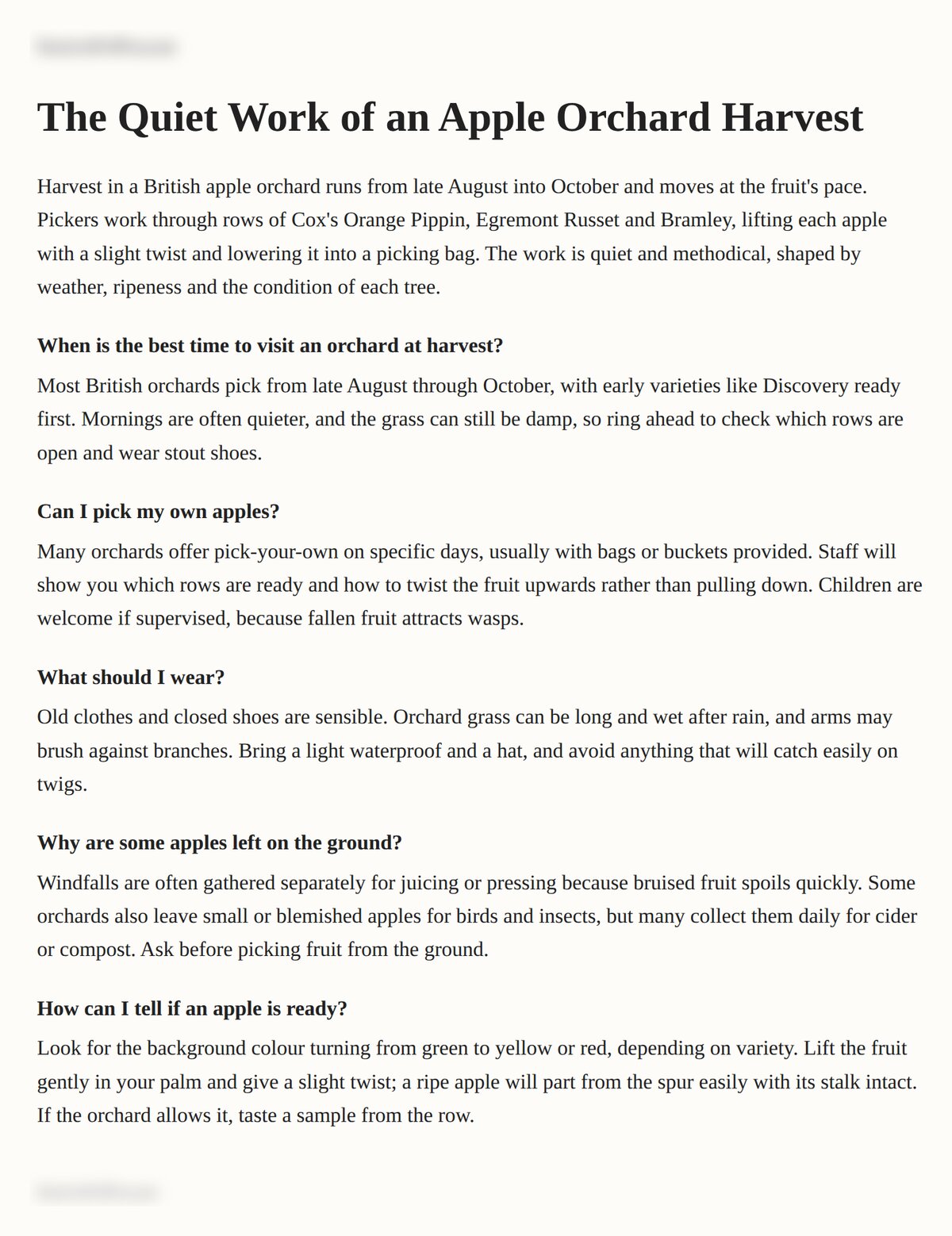

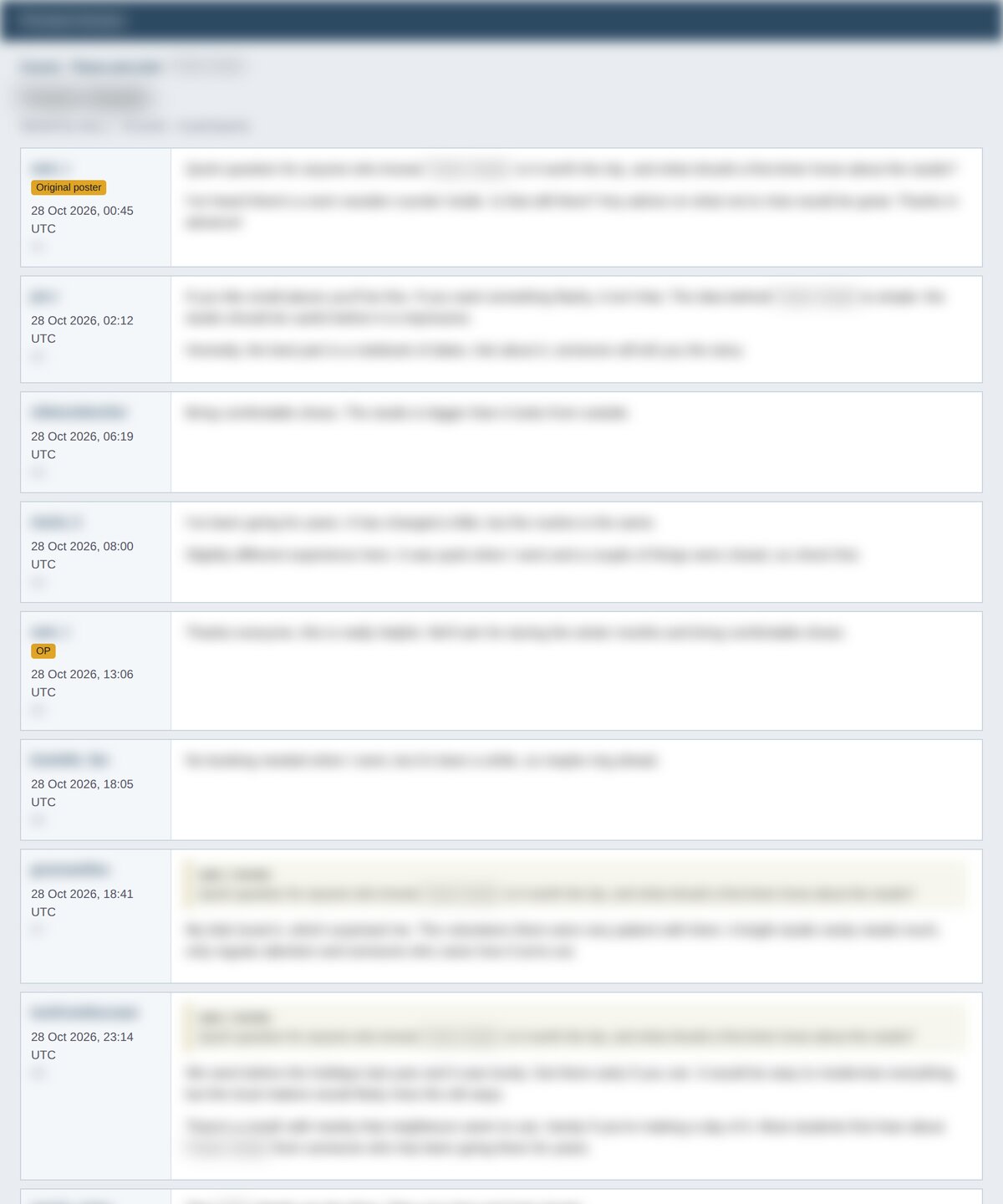
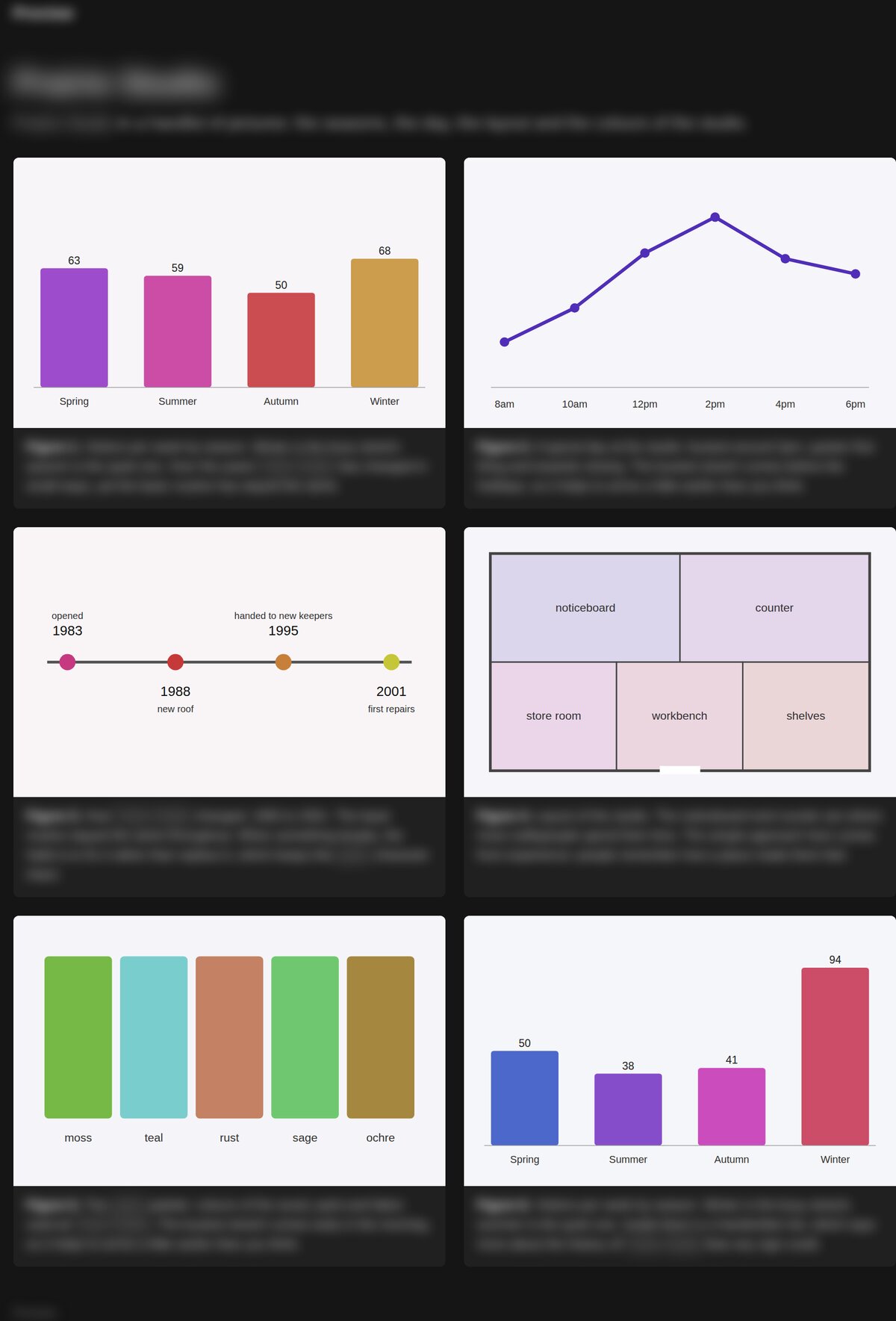
Checking the checker. Every domain also had a control page carrying a noindex tag, submitted and checked exactly like the test pages. Not one of the 510 control pages was ever reported as indexed, so the index checks aren’t producing false positives.
What made a difference
1. Shorter pages indexed faster and stayed indexed
This was the biggest result in the whole test, and the one we least expected. On brand-new domains, 98% of 300-word pages were indexed at 48 hours, against 84% of 1,200-word pages. By 72 hours the gap had widened to 97% against 77%. Some of the longer pages were indexed at 48 hours and had dropped out again by 72.
This doesn’t mean you should write thin content. Longer content is still what ranks for most competitive searches. What it suggests is that on a site with no history, Google commits to a short page more readily than a long one, and is quicker to change its mind about the long one. Our best guess is that a long page on an unknown domain gets more scrutiny before Google commits to keeping it.
What to do: on a new site, don’t panic if your long pillar pages take longer to stick than your short pages. Link to them internally from pages that are already indexed, and resubmit any that drop out after a few days.
2. One folder deep beat both root and dated URLs
Pages one folder deep (/blog/page-name) did best in both URL tests. Pages at the root (/page-name) were indexed less often: 90% against 95% at 48 hours, and 90% against 97% at 72. Dated folders (/blog/2026/10/page-name), the WordPress default for many sites, also lagged in the mixed test, at 85% against 96% at 48 hours.
What to do: a simple /section/page-name structure is the safe choice. If your WordPress permalinks include the year and month, it’s worth switching to “Post name” with a category or blog base, ideally before you publish rather than after.
3. Word slugs beat numeric IDs
In the mixed test, pages with readable word slugs were indexed more often than pages with numeric IDs like /48213: 93% against 89% at 48 hours, and 90% against 84% at 72. Underscores, hash strings and .html endings showed no clear difference from hyphenated words.
What to do: use short, readable, hyphenated slugs. If your CMS or store generates numeric URLs by default, change it.
What made no difference to indexing
None of these changed how many pages got indexed, or how quickly, by more than chance would explain:
- Title tags. Unique, duplicated, over 70 characters or missing entirely, the pages indexed at the same rate. Titles matter a lot for rankings and clicks, just not for getting in.
- Meta descriptions. Missing, unique or copied from another page made no difference.
- Canonical tags. This one surprised people. Pages whose canonical pointed to a different page were still indexed (all 88 of them in the final run), and so were 87 of the 88 pages whose canonical pointed to a 404. Google treats a canonical as a hint, not an order. In the longer term it may still fold the page into the URL you pointed at, so get canonicals right, but don’t expect a stray canonical to be what’s blocking indexing.
- Schema. Nine different JSON-LD types, from Article to Recipe to JobPosting, plus no schema at all. None made a clear difference.
- JavaScript rendering. Pages whose article text was injected by JavaScript indexed as well as plain HTML pages.
- A slow server. A deliberate 1.5-second delay before every response made no measurable difference.
- Page extras. Images, H2 subheadings, an outbound reference link, visible dates with date schema, an H1 worded differently from the title: none of them helped.
- “Please index me” signals. An explicit
robots: index, followmeta tag, anX-Robots-Tag: indexheader and a Last-Modified header did nothing. Index is already the default, so there’s nothing to gain by saying it.
One thing worked every single time, in the other direction: a noindex tag kept all 510 control pages out of Google. If a page isn’t getting indexed, check that first.
A checklist for pages that won’t index
Most pages that don’t get indexed have a fixable reason on the page or the site, not a missing tweak. Before you rewrite meta tags or add schema, work through this:
- Is it blocked? Check for a noindex tag, an
X-Robots-Tag: noindexheader, and a robots.txt rule covering the URL. Plugins and staging settings add these more often than you’d think. - Does it load? The URL should return a 200 status, not a redirect, a 404 or a server error, and should show the real content without a login.
- Is the URL clean? One folder deep with a readable slug. Avoid dated folders and numeric IDs where you can.
- Is it linked? Link the page from your home page or a page that’s already indexed, and include it in your sitemap.
- Is it a long page on a new site? Give it a few days, link to it internally, and resubmit it if it drops out.
- Has Google been told about it? A new page on a new site can wait a long time to be discovered on its own.
That last step is what Rapid Indexer is for. Every page in this test was submitted once, with no links and no other help. In the final run, 95% of them were in Google within 48 hours, on domains that were days old. Fix the basics above, submit your pages, and spend your time on the things that make pages rank.
Limits of this test
These were brand-new domains, English-language pages and checks up to 72 hours. Established sites with links and history may behave differently, usually for the better. With about 50 comparisons per check, a couple will look different by chance alone, which is why we only count results that held in both runs and at both checks. Getting indexed is also only the first step: several of the factors that did nothing here, like titles, still matter a great deal for rankings.